


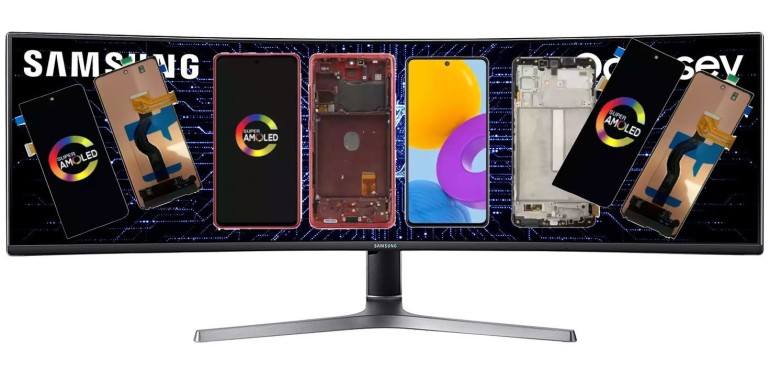
Broken Samsung screen? Find the right replacement for your Galaxy
YOUR SAMSUNG SCREEN GUIDE
Broken Samsung screen? Find the right replacement for your Galaxy
Cracked glass, a damaged display or an unresponsive touchscreen? Identify your Samsung model, compare available replacement screens and get the right part for your repair.
Shop Samsung screensFind your Galaxy series
Go straight to your phone’s series, then check the exact model number on the product page.
Before choosing your screen
- Identify the exact model. Find the model number in your phone’s settings, on its box or on its label. Phones with similar names can use different parts.
- Compare what is included. Check the display type, frame, color and included components in each product description.
- Check availability. Review the current price and shipping information before placing your order.
Get ready for your repair
Your replacement screen needs to match your device precisely. Prepare suitable tools and adhesives, protect your workspace and back up your data if the phone is still usable. Disassembly requires care and precision; if you are unsure, have a repair professional handle it.

Helpful questions
Which screen fits a Galaxy A or M?
Start with the matching series above, then compare your phone’s full model number with the references listed on the product page. The marketing name alone is not enough.
Inner or outer screen for a Galaxy Z?
Foldable phones have more than one display. Check whether the part is an inner folding screen or an outer display, and confirm the exact Fold or Flip generation.
Give your Galaxy a second life
Browse available screens on our US storefront and choose the part that matches your model.
Shop Samsung screens


